The game is played from the First Person perspective which means that you view from the
eyes of the character.
Controls
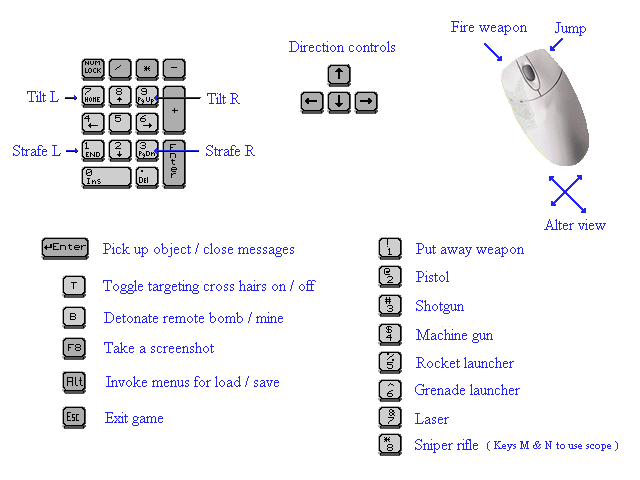
Saving and loading games

Saving
To save a game during play press Alt then scroll down the Game menu to
Load/Save game, select the first Vacant space by clicking on it then type
what you want to call the save in the Game description box and click the Save
button, always return to the game by highlighting the saved game and clicking
the Load button.

Important
Always save into a vacant space, if you use all the spaces you will have to save
into an already used space but make sure you Delete the save in that space by
highlighting it and clicking the Delete button before saving to it again. Do not
save over an existing game save
as this can cause saves not to work. If you
are saving a game before quitting save it as described above then load the
game you just saved and quit by pressing Esc, that way you will ensure that the
save is valid.

Loading

When the splash screen menu loads go to the Game menu and scroll down to
Load/Save game, highlight the required game save and click the Load button.

Pick up items

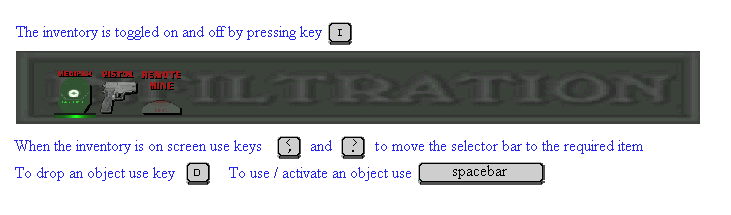
If the player is close to an item that can be picked up the item will appear on
screen as shown in the graphic at the top of this page, some items may be in
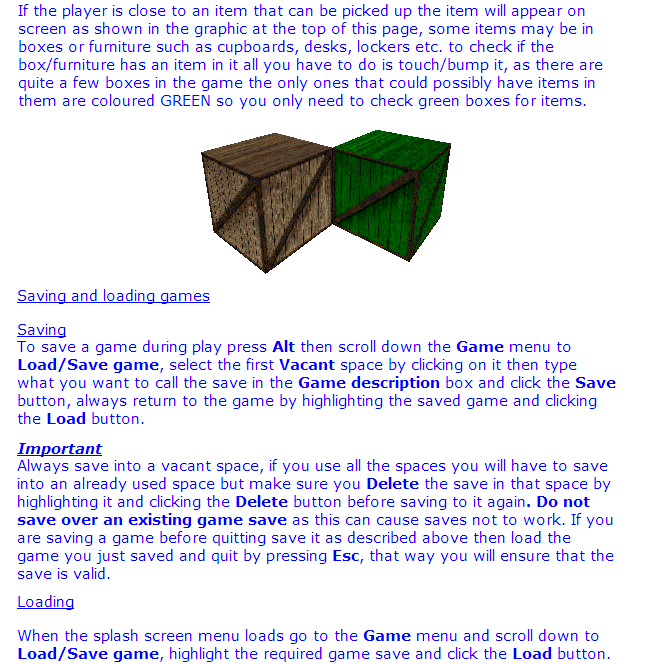
boxes or furniture such as cupboards, desks, lockers etc. to check if the
box/furniture has an item in it all you have to do is touch/bump it, as there are
quite a few boxes in the game the only ones that could possibly have items in
them are coloured GREEN so you only need to check green boxes for items.


Doors/gates

If you come to a door/gate that can be opened with a keycard you will be alerted to which
keycard you need by an audible sound and graphic of the keycard when you bump the
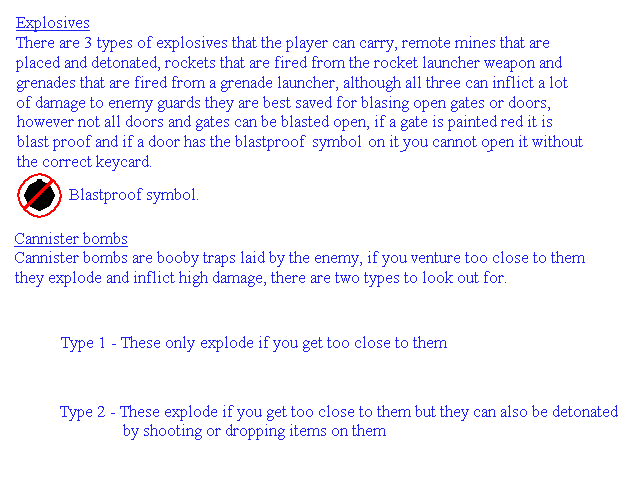
door/gate, if a door has the blast proof symbol on it or if a gate is painted red you can only
open it with the required keycard, all locked doors require keycards or explosives to open
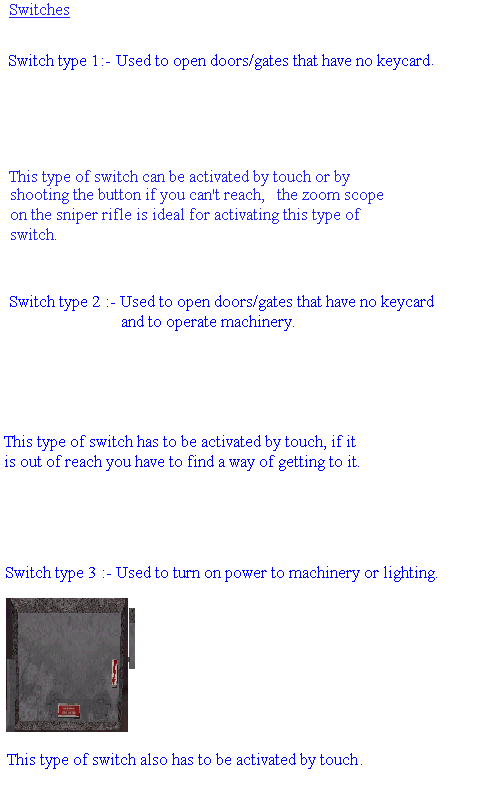
them but some gates can be opened by switches, these gates do not show which keycard is
required and differ from keycard gates by being flat along the top.