Seamless wall/floor texture
In this tutorial I will show you how to make a seamless brick wall/floor texture , I use Ultimate Paint to do my
textures but most good art packages are very similar .

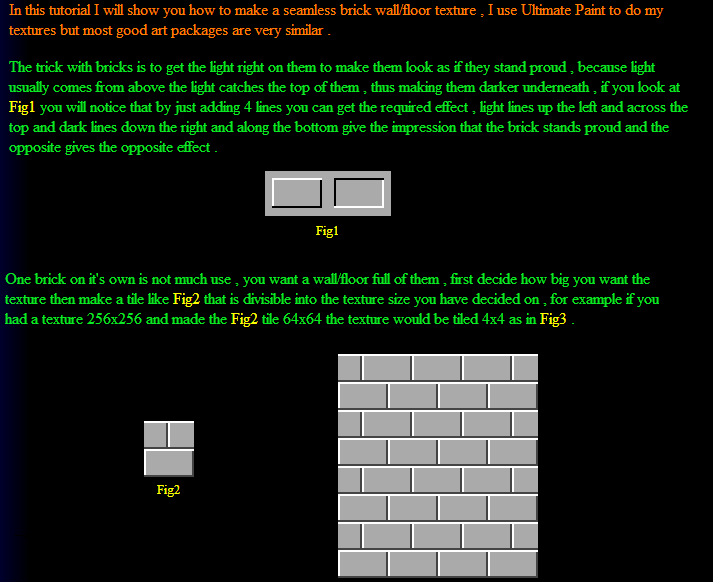
The trick with bricks is to get the light right on them to make them look as if they stand proud , because light
usually comes from above the light catches the top of them , thus making them darker underneath , if you look at
Fig1 you will notice that by just adding 4 lines you can get the required effect , light lines up the left and across the
top and dark lines down the right and along the bottom give the impression that the brick stands proud and the
opposite gives the opposite effect .
Fig1
One brick on it's own is not much use , you want a wall/floor full of them , first decide how big you want the
texture then make a tile like Fig2 that is divisible into the texture size you have decided on , for example if you
had a texture 256x256 and made the Fig2 tile 64x64 the texture would be tiled 4x4 as in Fig3 .
Fig2
Fig3
That's the basics of making the texture seamless but it isn't very striking with flat bricks , you obviously
want some sort of pattern/texture on them , I use two methods of texturing bricks , the first and easiest is
for platform games and the second is for more realistic 3D games .


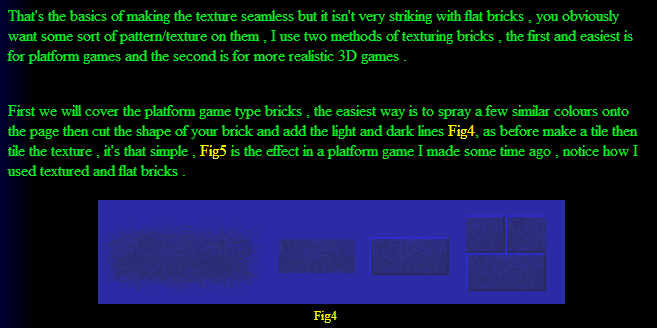
First we will cover the platform game type bricks , the easiest way is to spray a few similar colours onto
the page then cut the shape of your brick and add the light and dark lines Fig4, as before make a tile then
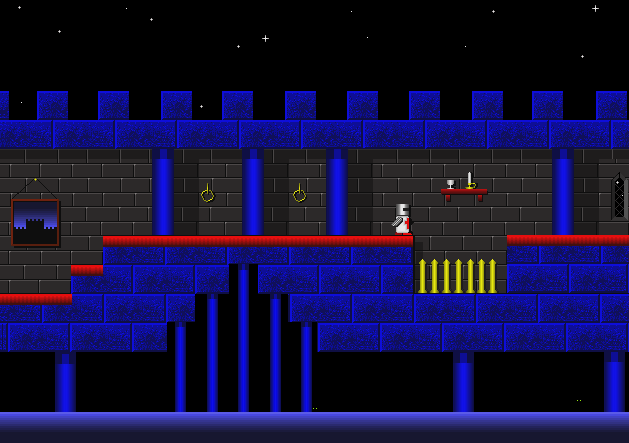
tile the texture , it's that simple , Fig5 is the effect in a platform game I made some time ago , notice how I
used textured and flat bricks .
Fig4
Fig5
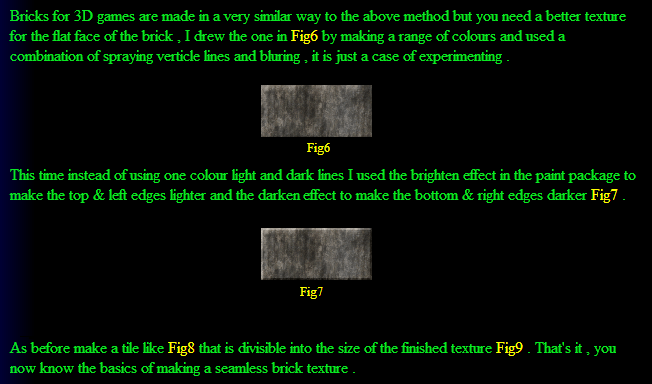
Bricks for 3D games are made in a very similar way to the above method but you need a better texture
for the flat face of the brick , I drew the one in Fig6 by making a range of colours and used a
combination of spraying verticle lines and bluring , it is just a case of experimenting .
Fig6
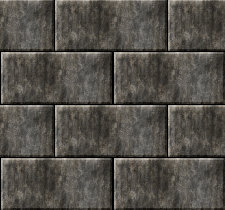
This time instead of using one colour light and dark lines I used the brighten effect in the paint package to
make the top & left edges lighter and the darken effect to make the bottom & right edges darker Fig7 .
Fig7
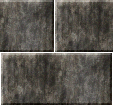
As before make a tile like Fig8 that is divisible into the size of the finished texture Fig9 . That's it , you
now know the basics of making a seamless brick texture .
Fig8
Fig9
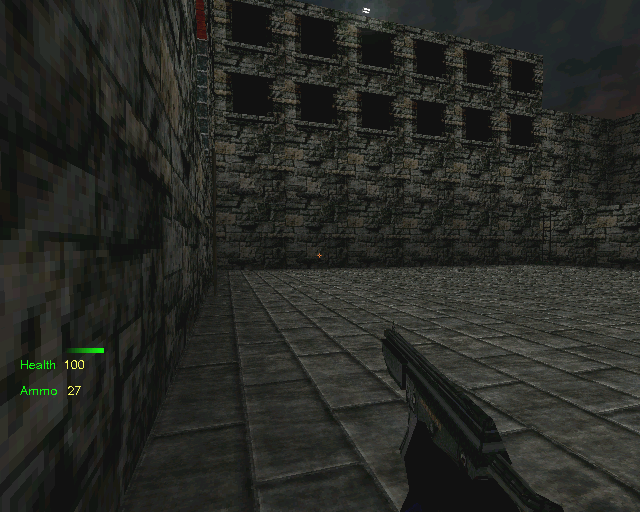
Floor covered with the tutorial texture